
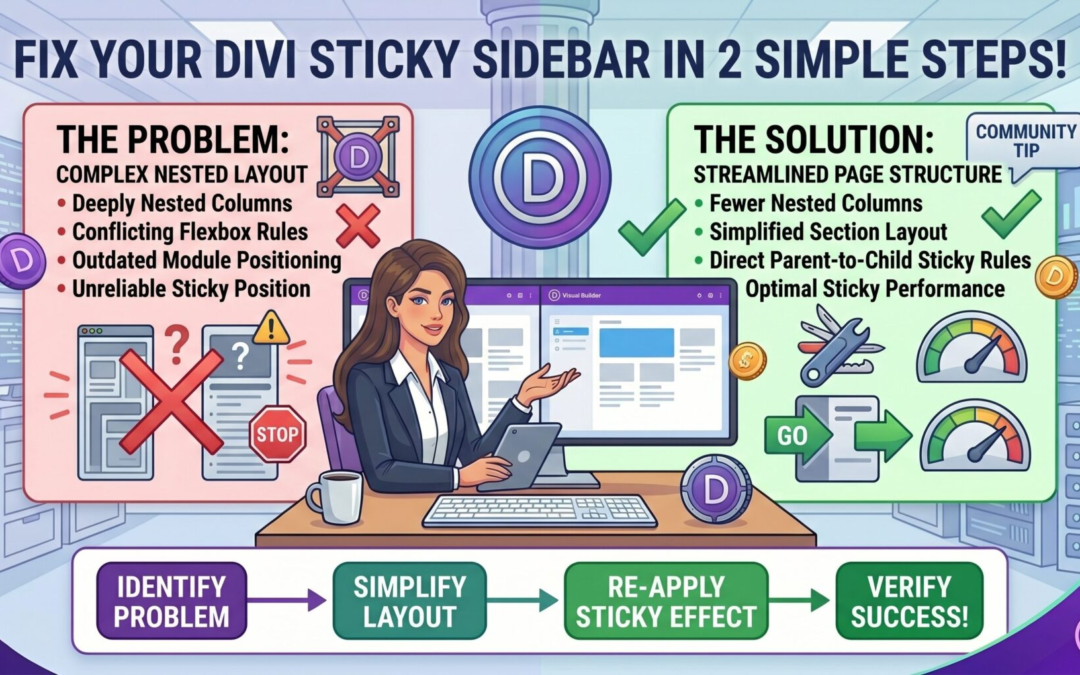
If you want your sidebar to stick while scrolling in Divi, the most important rule is simple: the sidebar must be placed above the main content in the layout structure. If it is placed below, the sticky behavior will not work properly.
Why this matters
Divi’s sticky functionality depends on the order of elements inside the row. When the sidebar is positioned above the content, it gets calculated correctly during scroll. If it sits below, Divi cannot apply the sticky positioning as expected, which results in the sidebar not sticking at all.
How to fix it
Follow these steps:
- Open your page in the Divi Builder
- Go to the row that contains your sidebar and main content
- Open Row Settings
- Navigate to Design → Layout
- Locate the option that controls column or module order
- Ensure the sidebar column is placed above the main content column
Key takeaway
Sticky sidebar not working is usually not a bug. It is almost always a layout order issue. Place the sidebar on top, and the sticky feature will work as intended.